Quick start
Download data
Get and extract data samples from CARS repository:
Note
Data samples from this tutorial can be used under open licence.
wget https://raw.githubusercontent.com/CNES/cars/master/tutorials/data_gizeh.tar.bz2
wget https://raw.githubusercontent.com/CNES/cars/master/tutorials/data_gizeh.tar.bz2.md5sum
md5sum --status -c data_gizeh.tar.bz2.md5sum
tar xvfj data_gizeh.tar.bz2
Run CARS
To launch CARS, a single configuration file is required. One is available in the data_gizeh folder:
---
input:
  sensors: # define what cars will take as input
    one: img1.tif
    two: img2.tif
    three: img3.tif
pairing: # define the pairs
  - - one
    - two
  - - one
    - three
output: # define where cars should put the results
  directory: outresults
{
    "input": {
        "sensors": {
            "one": "img1.tif",
            "two": "img2.tif",
            "three": "img3.tif"
        }
    },
    "pairing": [
        [
            "one",
            "two"
        ],
        [
            "one",
            "three"
        ]
    ],
    "output": {
        "directory": "outresults"
    }
}
With a pip installation
If you installed CARS with pip, the command to use is:
cars data_gizeh/configfile.yaml
With a Docker installation
If you installed CARS with Docker, the command to use is:
docker run -w /data -v "$(pwd)"/data_gizeh:/data cnes/cars /data/configfile.yaml
Open the results
Go to the
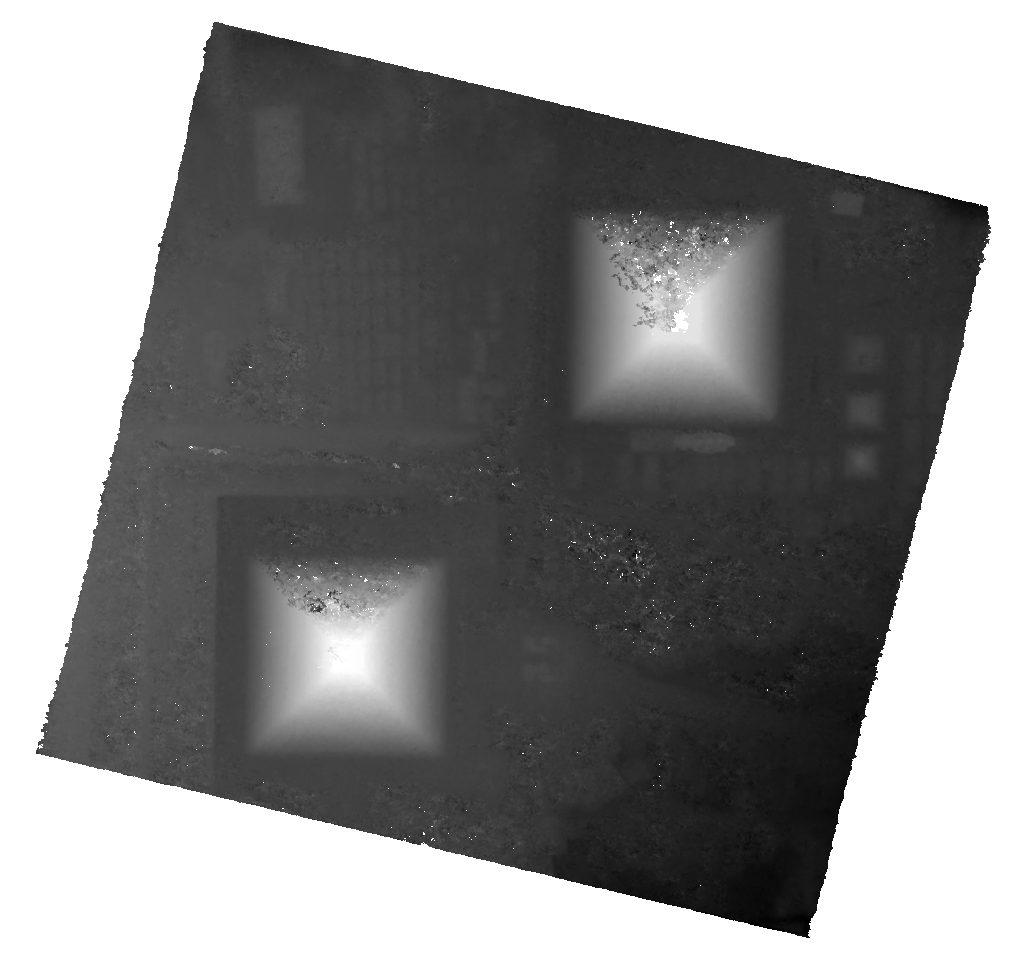
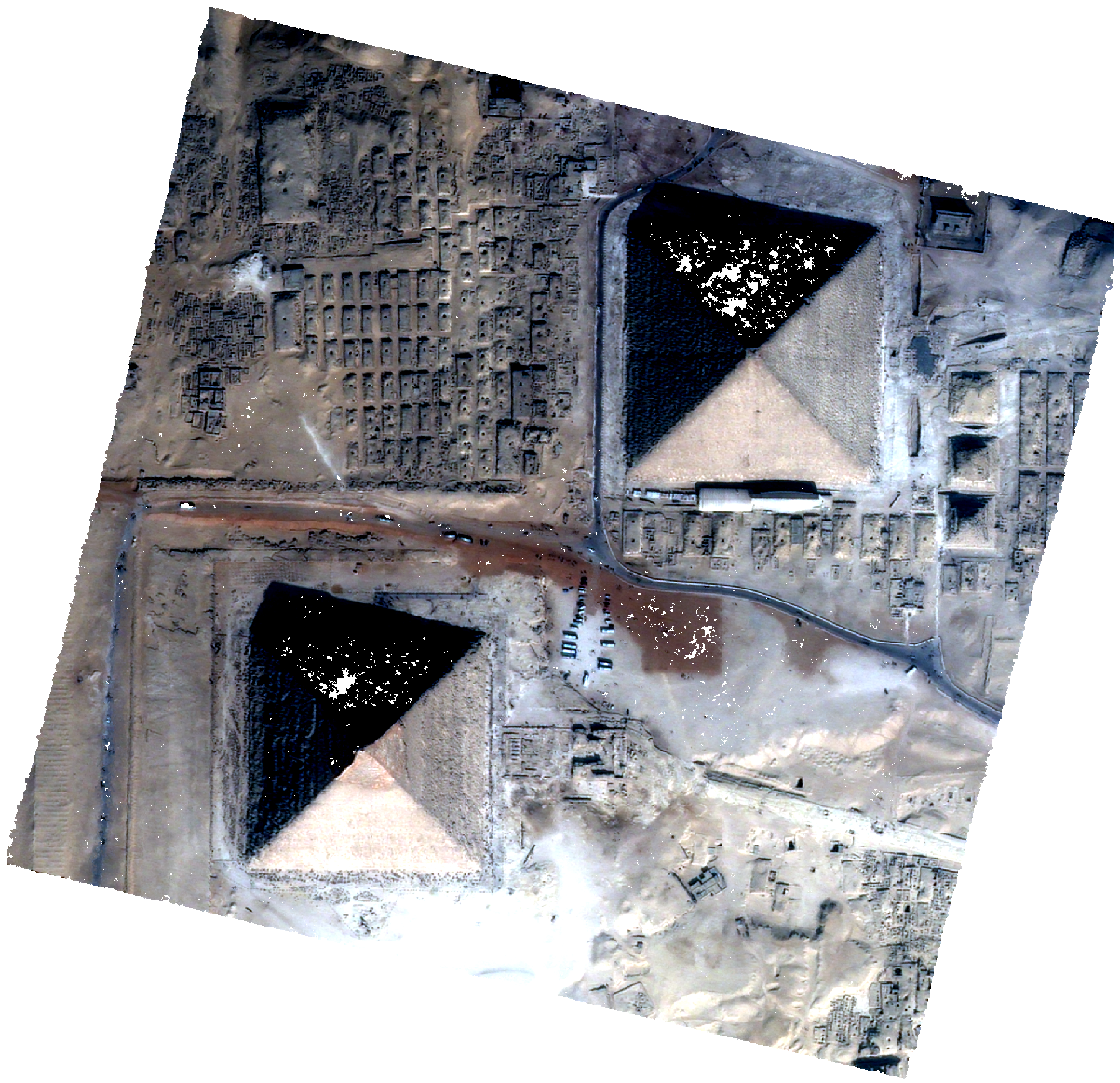
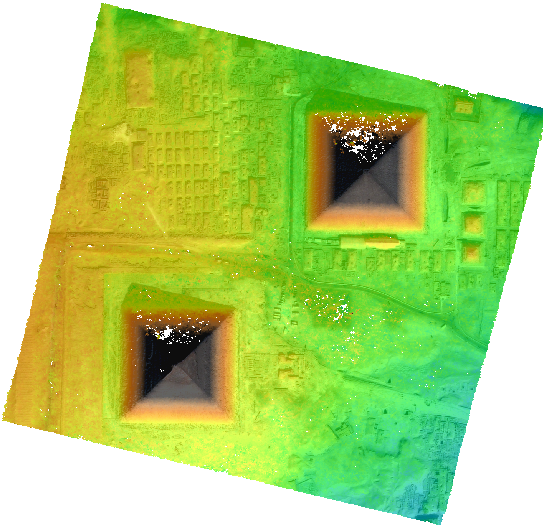
data_gizeh/outresults/dsmoutput directory to get a DSM (dsm.tif) and image associated (image.tif).
Open the dsm.tif DSM and image.tif image in QGIS software.
dsm.tif |
image.tif |
QGIS Mix |
|
|
|